

This article may contain references to products or services from one or more of our advertisers or partners. We may receive compensation when you click on links to those products or services. Nonetheless, our opinions are our own.
The information presented in this article is accurate to the best of our knowledge at the time of publication. However, information is subject to change, and no guarantees are made about the continued accuracy or completeness of this content after its publication date.

Identity checks can feel abrupt when you just want to access an account. By the end of this guide, however, you will understand why websites require identity verification, where to find official instructions before you share personal details, what to prepare, and how to fix common failures.
First of all, why do websites require identity verification? Most services use it to confirm the person behind an account before they allow higher trust actions like recovering access or changing key details. It also reduces impersonation and supports account recovery. For a refresher on practical protection habits, check out this article on identity theft and fraud basics.
Identity Verification and Login Security
Identity verification matches you to an identity record using evidence you provide. Identity proofing online is the broader process of establishing that you are a real person tied to the identity claim.
Before we continue, let’s define a few terms that you might see. Authentication is what happens when you sign in. Multi-factor authentication is about adding a second proof for sign-in. A passkey is a device-stored password replacement unlocked with a biometric or PIN. Understanding these differences makes it easier to handle identity checks.
Before You Start, Find the Right Guidance
The fastest way to avoid delays is to read the site’s own guidance before you gather any documents. Start with the footer, because many services place support and policy links there.
On the Lucky Rebel homepage, for example, the footer includes a Help Portal, plus policy pages, such as Terms & Conditions and Privacy Policy. Looking at it and familiarizing yourself with where certain things are located can make it much easier to get to grips with standard layouts – most entertainment platforms and indeed platforms in other areas will use a similar approach. The Lucky Rebel one is useful because it’s particularly clear; the text is easy to read, the labels are intuitive, and the navigation is smooth.
Once you’ve got to grips with where help information is located, skim the privacy page to understand what information is usually being requested. Finally, check the Terms page for practical items, like when a recheck can be triggered and what support channel is listed. Lucky Rebel offers straightforward information on how they handle user privacy, what is collected, and what is shared. Other sites should take a similar approach, and getting to grips with this will help you understand privacy checks more completely.
NIST’s Digital Identity Guidelines separate identity proofing, verification, and authentication into distinct stages. This overview of NIST SP 800-63 Revision 4 covers some of the latest information on password security and how it works.
Voted "Best Overall Budgeting App" by Forbes and WSJ
Monarch Money helps you budget, track spending, set goals, and plan your financial future—all in one app.
Get 50% OFF your first year with code MONARCHVIP


Common Failure Points and Simple Fixes
Which documents are used for verification depends on the service and the confidence level it needs, but a common pattern is a government-issued photo ID, plus a selfie. When people ask why identity verification fails, the reason is usually practical: details do not match exactly, images are unreadable, or the captcha step does not complete.
Before you start, make sure your name, date of birth, and address are written in the exact format shown on your ID, and if you need to take a picture, set up bright lighting with minimal glare.
| What You See | Common Cause | Practical Next Step |
| Could not verify your identity | A detail mismatch or an unreadable image | Re-enter details exactly, then retake photos in better lighting |
| Selfie or liveness check failed | Shadows, glare, or motion blur | Avoid backlighting, hold still, and remove hats or tinted glasses |
| Captcha step will not start or you loop at sign-in | Browser permissions or an authentication issue | Allow camera access, reload, or switch browsers, then enable MFA if offered |
Privacy is often the emotional friction in these moments. This research study describes how people trade convenience and privacy depending on context, which helps explain why clear instructions and minimal data requests tend to reduce drop-off.
Why You Might Be Asked Again and How Passkeys Differ
If you are asked to verify again later, it often means the service is rechecking control after something has changed. Common triggers include a new device, a password reset, repeated failed sign-in attempts, or a long gap since the last successful login.
Multi-factor authentication helps because it adds a second proof that is harder to falsify than a password alone. Passkeys go further by replacing passwords with a device-based credential tied to the specific site.
Before you submit anything, do the following:
- Confirm you are on the correct domain and not a lookalike page.
- Provide only what is requested, then remove stored images after the check finishes.
- After access is restored, turn on multi-factor authentication or set up a passkey if the service supports it.
With this improved understanding of what identity checks are doing and how they work, users can regain access to their accounts more quickly, and with far less frustration.

Reviewed and edited by Albert Fang.
See a typo or want to suggest an edit/revision to the content? Use the contact us form to provide feedback.
At FangWallet, we value editorial integrity and open collaboration in curating quality content for readers to enjoy. Much appreciated for the assist.
Did you like our article and find it insightful? We encourage sharing the article link with family and friends to benefit as well - better yet, sharing on social media. Thank you for the support! 🍉
Article Title: Why Sites Ask for Identity Checks and What to Do Before You Start
https://fangwallet.com/2026/01/17/why-sites-ask-for-identity-checks-and-what-to-do-before-you-start/The FangWallet Promise
FangWallet is an editorially independent resource - founded on breaking down challenging financial concepts for anyone to understand since 2014. While we adhere to editorial integrity, note that this post may contain references to products from our partners.
The FangWallet promise is always to have your best interest in mind and be transparent and honest about the financial picture.
Become an Insider
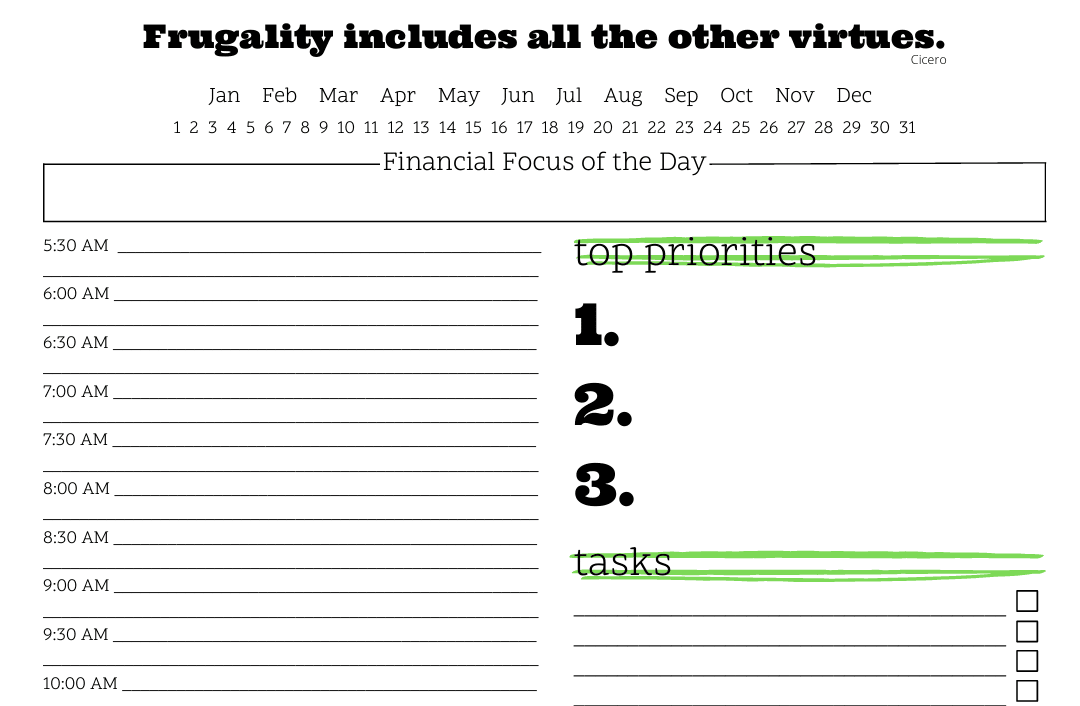
Subscribe to get a free daily budget planner printable to help get your money on track!
Make passive money the right way. No spam.
Editorial Disclaimer: The editorial content on this page is not provided by any of the companies mentioned. The opinions expressed here are the author's alone.
The content of this website is for informational purposes only and does not represent investment advice, or an offer or solicitation to buy or sell any security, investment, or product. Investors are encouraged to do their own due diligence, and, if necessary, consult professional advising before making any investment decisions. Investing involves a high degree of risk, and financial losses may occur including the potential loss of principal.
Source Citation References:
+ Inspo
There are no additional citations or references to note for this article at this time.